
Medically reviewed by Nokta İşitme Audiology Team (Audiologist) according to hearing health information standards.
If your hearing aid has not been producing the 'old sound' for a while, most of the time the problem is not a major malfunction - it's a build-up of earwax, moisture or a clogged filter. «How to clean a hearing aid?» The answer to the question is actually hidden in a few minutes of daily habit. In this guide, we clearly explain the steps you can take at home, your weekly routine, and what you should definitely not do.
At Nokta İşitme, we provide a cleaning kit and practical training upon delivery of the device. If you are using a device for the first time, learning it correctly once means months of trouble-free use.
Why is Regular Cleaning Essential?
The hearing aid is in your ear all day long: in contact with sweat, earwax, dust and moisture. This accumulation blocks the microphone, narrows the vocal path, and causes hissing and interruptions. Cleaning is not just about hygiene — it is necessary for the device to accurately transmit the sound you hear.
Good news: daily cleaning isn't difficult. Adding the “remove device, wipe, put in box” step to your morning or evening routine will prevent most problems in the first place.
Daily Cleaning: 5 Steps
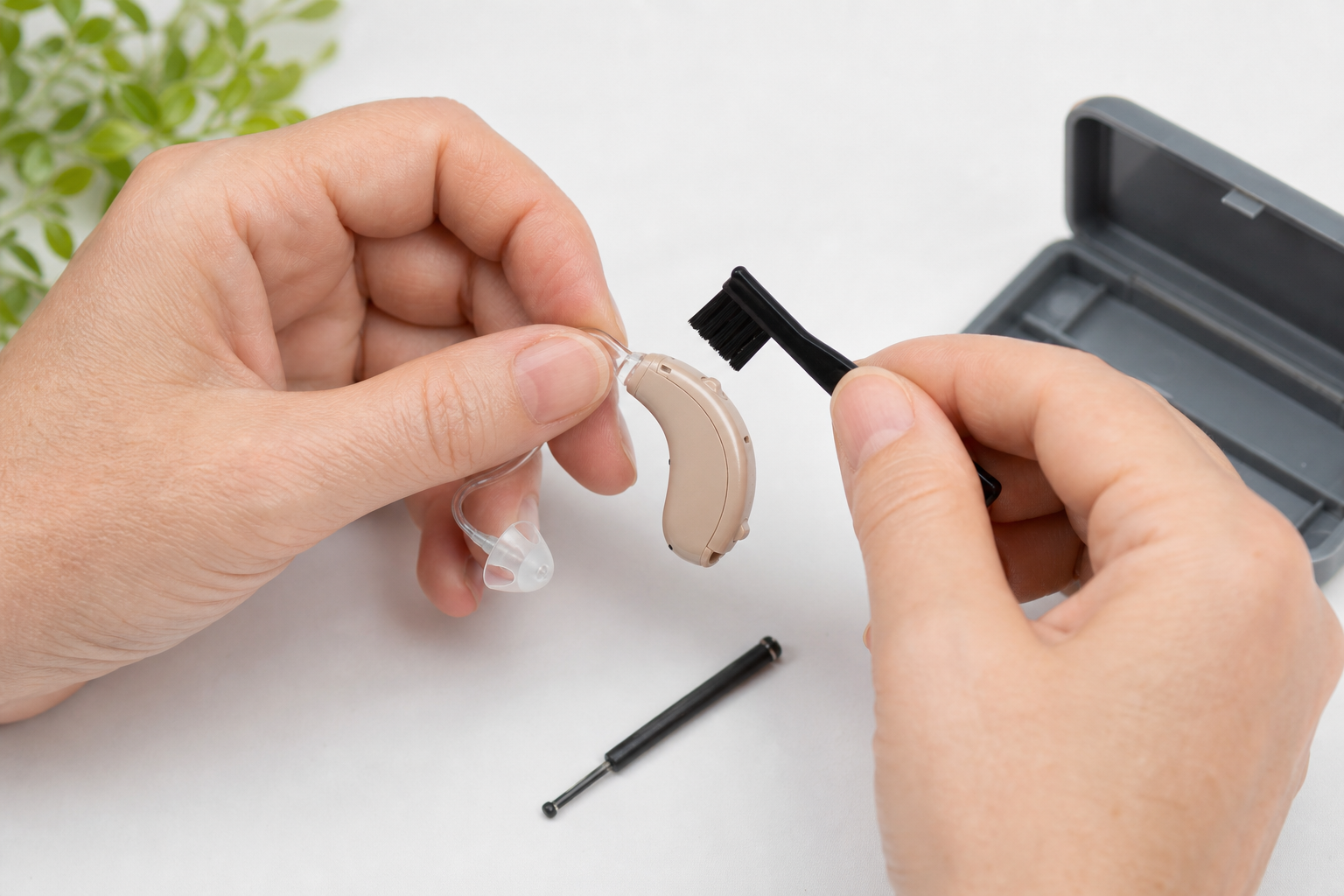
Every day, follow this order after removing the device from your ear. Total time is 2–3 minutes.
- Turn off the device. For models with batteries, removing the battery at night is optional; Recommended if the risk of moisture is high. We also explained the relationship between battery and humidity in our Hearing aid battery guide.
- Wipe with a dry cloth. Gently clean the exterior with a soft, lint-free cloth. Fingerprints, sweat and dust are gone at this stage.
- Brush the microphone ports. Remove dust from the microphone holes with the cleaning brush provided by the manufacturer. Do not apply pressure; The holes are sensitive.
- Check the sound exit point. For in-ear and RIC models, see if the wax filter or receiver tip is clogged. If the sound is weak, filter replacement may be required.
- Store in a dry place. Place in a dehumidifier overnight or store in a dry box. The bathroom shelf is not suitable.
This routine is the basic framework for all device types. If you use behind-the-ear (BTE), also visually inspect the tube and dome connection — if there are cracks or discoloration, replace them at weekly maintenance.
Weekly Cleaning: 4 Steps
Do a little more detailed maintenance once a week. Setting a reminder on Sunday evening or weekend morning helps.
- Change wax filter. Once a week or every two weeks, depending on your earwax production. If the sound suddenly stops, don't wait — replace it immediately.
- Hose and dome cleaning (BTE). You can remove the hose and wash it with warm soapy water; Do not insert it into the device until it is completely dry. If the dome is worn, replace it.
- Check the battery compartment. If there is oxidation (white-green discharge), wipe it with a dry cloth. Take it for service if necessary.
- Wipe the charging contacts. Clean the charging pins of charged devices with a dry cloth. Dirty contact causes charging problems.
For weekly maintenance, listen to the device with a "test tone": are the trebles clear, are there any hissings, are the two ears balanced? Spotting small differences early indicates the need for programming or repair in a timely manner.
| Transaction | Frequency | Duration |
|---|---|---|
| Surface wiping, microphone brushing | Every day | 2–3 min |
| Wax filter control / change | Weekly | 1–2 min |
| Hose, dome, battery compartment | Weekly | 5 min |
| Moisture drying (overnight) | Every night (if necessary) | — |
| Professional deep cleaning | 1–2 times a year | 30–60 min |
Materials You Need to Use
A special and expensive set is not necessary; Choosing the right material is important:
- Soft, dry cleaning cloth
- Hearing aid cleaning brush (for microphone)
- Wax filter spares (suitable for your device model)
- Moisture drying container or electronic dryer
- Optional: hose air blower, dome spares
You can request a "starter maintenance kit" from your center when purchasing your first device. Carrying a small bag with you is also useful when traveling.
Never Do: 7 Mistakes
Some cleaning done with good intentions may cause irreversible damage to the device. Avoid these:
- Do not wash under water. The device is not waterproof (except for IP68 models and even those are not recommended). Wiping with shower, sink or wet cloth is prohibited.
- Do not use alcohol, thinner or bleach. The plastic turns yellow, the membrane dries, the coating dissolves.
- Do not dry with a blow dryer, radiator, or in the sun. Excessive heat destroys the battery and electronic circuit.
- Do not insert pins or wires into microphone holes. Risk of permanent blockage and malfunction.
- Do not remove the filter by force. The receiver may break. Use the correct tool and replacement filter.
- Do not replace the battery with wet hands. Moisture will seep into the battery compartment.
- Do not wear after using perfume, hairspray or sunscreen. Chemical accumulation will damage the microphone; Wait at least 15 minutes.
This list is short but critical. Washing it with water "just once" can cost more than the repair costs.
Differences by Device Type
In-the-ear (ITE) devices
Since the entire device enters the ear canal, earwax reaches the sound outlet directly. Wax filter is the most critical part. Be sure to store it in a moisture drying container at night.
Behind the ear (BTE) devices
The device is outside; Sweat and hair products come into contact with the microphone more. Sound leakage and hissing increase as the hose hardens — consider replacing the hose every 3–6 months.
Receiving channel (RIC) devices
Compact structure is popular; The receiving end enters the channel. Filter change should be done frequently. The thin receiver wire is fragile — be careful when installing or removing it.
Moisture and Drying
Moisture is the invisible half of cleaning. Sweat, rain or high humidity air may seep into the device. Using a moisture drying container at night makes a difference, especially in the summer months. If the device gets wet, turn it off immediately, remove the battery, place it in the drying container and, if necessary, contact the center for repair evaluation.
When Should Professional Cleaning?
Home care is sufficient for daily performance; Professional deep cleaning is recommended once or twice a year. In the service, ultrasonic cleaning, microscopic control, sound measurement and worn parts detection are performed. If the sound is weak or the hissing continues despite cleaning, there may be no solution left at home.
We provide cleaning training during device delivery at Nokta İşitme Bozyaka and Yeşilyurt branches; Deep cleaning may also be performed at the annual check-up appointment.
Children and Elderly Users
Children's devices get dirty faster; It is important for parents to check the filter weekly. Large handle brush, colored filter system and caregiver support are practical solutions for elderly users. Keeping a «cleaning log» — which day the filter was changed — gives clues to the service about recurring problems.
How to Establish a Cleaning Habit
Put the device in the same place every night: bedside, next to the humidifier. Add a «Sunday filter» reminder to the phone. It is conscious repetition for the first two weeks, then it becomes an automatic habit. Clean device = clear speech = less stress — once you experience this cycle, routine comes naturally.
Seasonal Cleaning Notes
In summer, sweat, sea water and sunscreen pollute the device faster. Be sure to wipe the surface after returning from the beach; If possible, remove the device for a short time and ventilate the ear canal. In winter, heated environments create dry air; Static electricity rarely attracts dust to the microphone — although daily brushing is helpful.
Nasal congestion during spring and autumn allergy periods can affect ear pressure; This is not a cleaning problem, but it may create the feeling of "the device is broken". If symptoms persist, consider an ENT check.
Wax Filter: Cleaning or Change?
The filter is not "cleaned", it is replaced. When earwax accumulates on it, the sound stops. Washing or blowing the old filter may provide a temporary solution, but it will not completely clear the blockage. Keep at least a week's worth of spares with you; Buy a package suitable for your model from the pharmacy or the center.
If the filter replacement tool is lost, visit the center; A few spare tools are provided. The wrong filter type can damage the receiver — ask for the correct package, stating your device model.
What Happens in Professional Cleaning?
The points you cannot reach at home are handled in the service: ultrasonic bath, channel control under the microscope, sound output measurement, feedback test. This check once a year prevents or detects early the majority of "poor despite cleanliness" complaints.
Cleanliness in Work and Social Environment
If you work in an office, factory or dusty environment, the device gets dirty faster. Quick surface cleaning is beneficial at the end of the job. The same rule applies after restaurants and meetings — a noisy environment program is not maintenance, but end-of-day cleaning should not be neglected.
Moisture accumulation may increase in masked environments; If possible, ventilate the device during short breaks. If there is sweat after exercise, wipe it off immediately with a dry cloth.
Keeping a Cleaning Diary
A small note: Records such as "The filter was changed on March 12, the sound stopped again on March 14" make it easier to find the root cause of recurring failures in the service. A digital note or calendar is sufficient.
First Week for New Users
In the first week, the device and the ear are in the "adaptation" period; A little more earwax may be normal. Therefore, have a spare filter and daily cleaning set ready. The “sound weird” feeling is sometimes caused by dirt or moisture, sometimes by programming — do not ask for a program change until you have established a cleaning routine; hygiene first.
Summary
The essence of the question of how to clean a hearing aid: dry cloth and brush every day, filter and hose check weekly, dry storage at night, never water or chemicals. If the problem persists, consider the possibility of repair — most “broken” appliances actually have a poorly cleaned or clogged filter.
If you have questions, bring your device to our branch; Let's create a cleaning plan suitable for your model together. A few minutes of daily care will help you hear better for years.
This content is for general information purposes. Consult the manufacturer's manual and your hearing care professional for instructions specific to your device.
Frequently asked questions
Should hearing aids be cleaned every day?
Yes, a short daily cleaning is recommended. Wiping the surface with a dry cloth after removing the device takes a few minutes and preserves sound quality. Deep cleaning is done weekly or monthly.
Can I wash the hearing aid with water?
No. Cleaning directly in water, shower or bath environment will damage the device. Moisture can seep into the electronic circuit. Use only a dry or slightly damp (special) cloth.
Is it right to wipe with alcohol or cologne?
No. Alcohol, thinner and aggressive chemicals damage plastic, membrane and coating. The cleaning kit recommended by the manufacturer or a dry soft cloth is sufficient.
How often should the wax filter be changed?
It varies from once a week to once a month, depending on your earwax production. If the sound suddenly becomes weak or the device stops working, check the filter first.
Where should I store the device at night?
In a dry, clean place; in a moisture drying container if possible. Keep away from humid environments such as bathrooms and kitchens. For models with batteries, removing the battery at night may reduce moisture accumulation.
What should I do if the sound is weak despite cleaning?
Check the filter, hose, battery and microphone input again. If the problem persists, professional cleaning or repair evaluation may be necessary.
Is behind-the-ear and in-ear cleaning different?
Yes. Wax filter and sound exit point are at the forefront in in-ear devices. In behind-the-ear models, the tube, dome and microphone input are cleaned more frequently.
Kaynakça ve Referanslar
Bu makaledeki tıbbi bilgilendirmeler aşağıdaki güvenilir kaynaklara dayanmaktadır.
- T.R. Ministry of Health — Hearing health information — Ministry of Health
- Hearing aids — care and maintenance overview — NCBI Bookshelf
- WHO — Deafness and hearing loss — World Health Organization
 Device Care
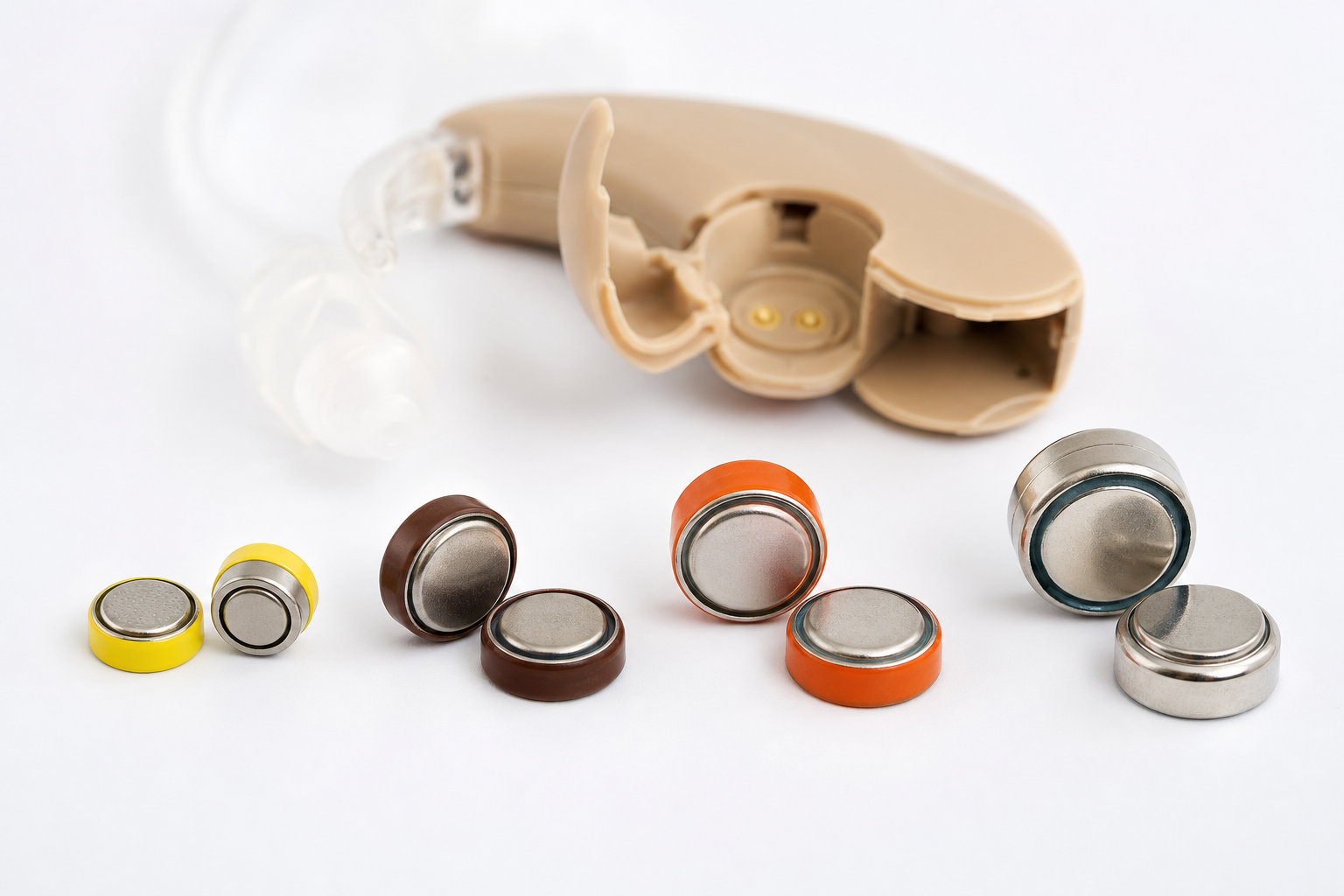
Hearing Aid Battery Guide
Which battery size does your hearing aid use? Types 10, 312, 13, and 675, color codes, ba…
Read more →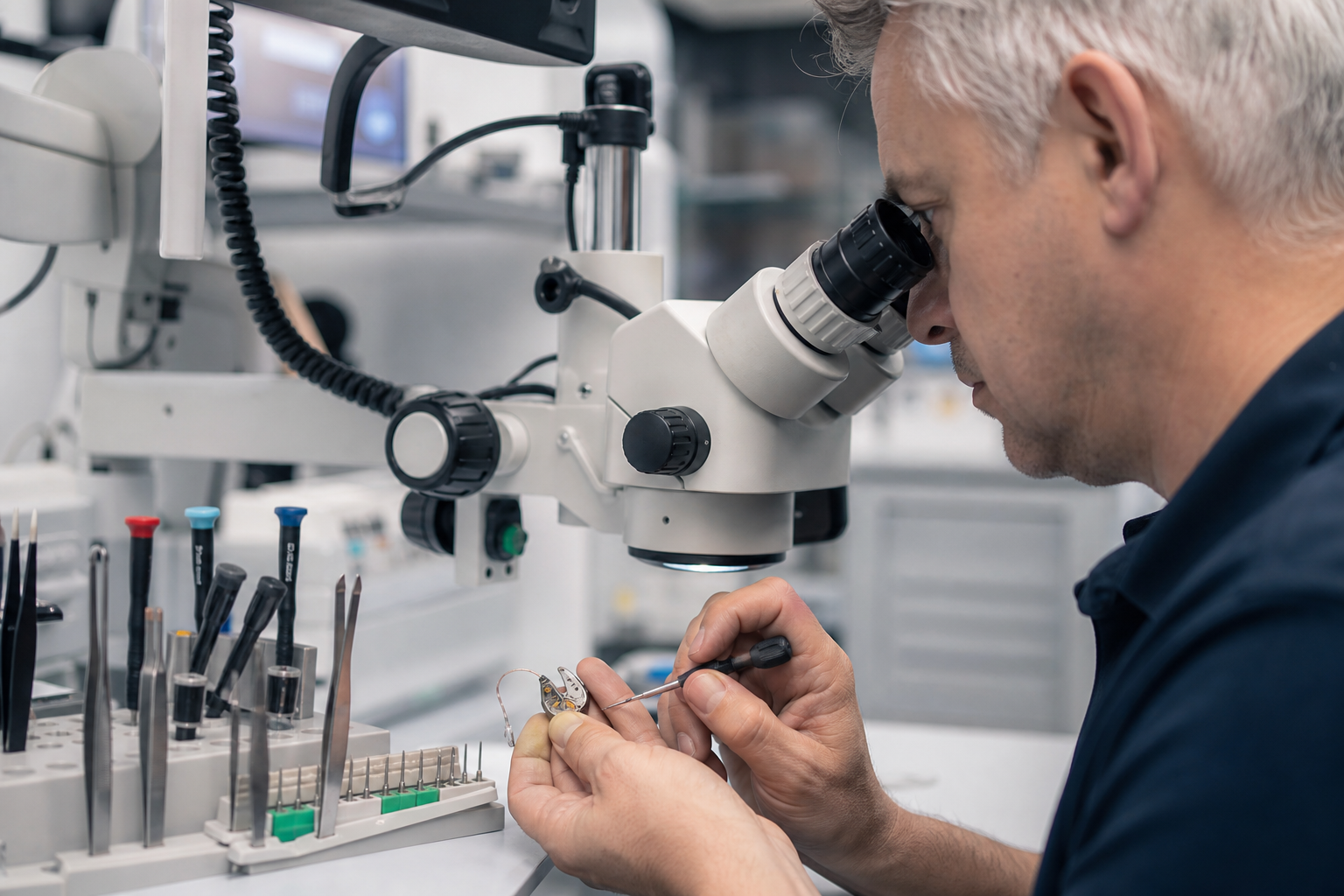 Device Care
When Does a Hearing Aid Need Repair?
When does a hearing aid need repair? Sound dropouts, whistling, moisture damage, and the…
Read more →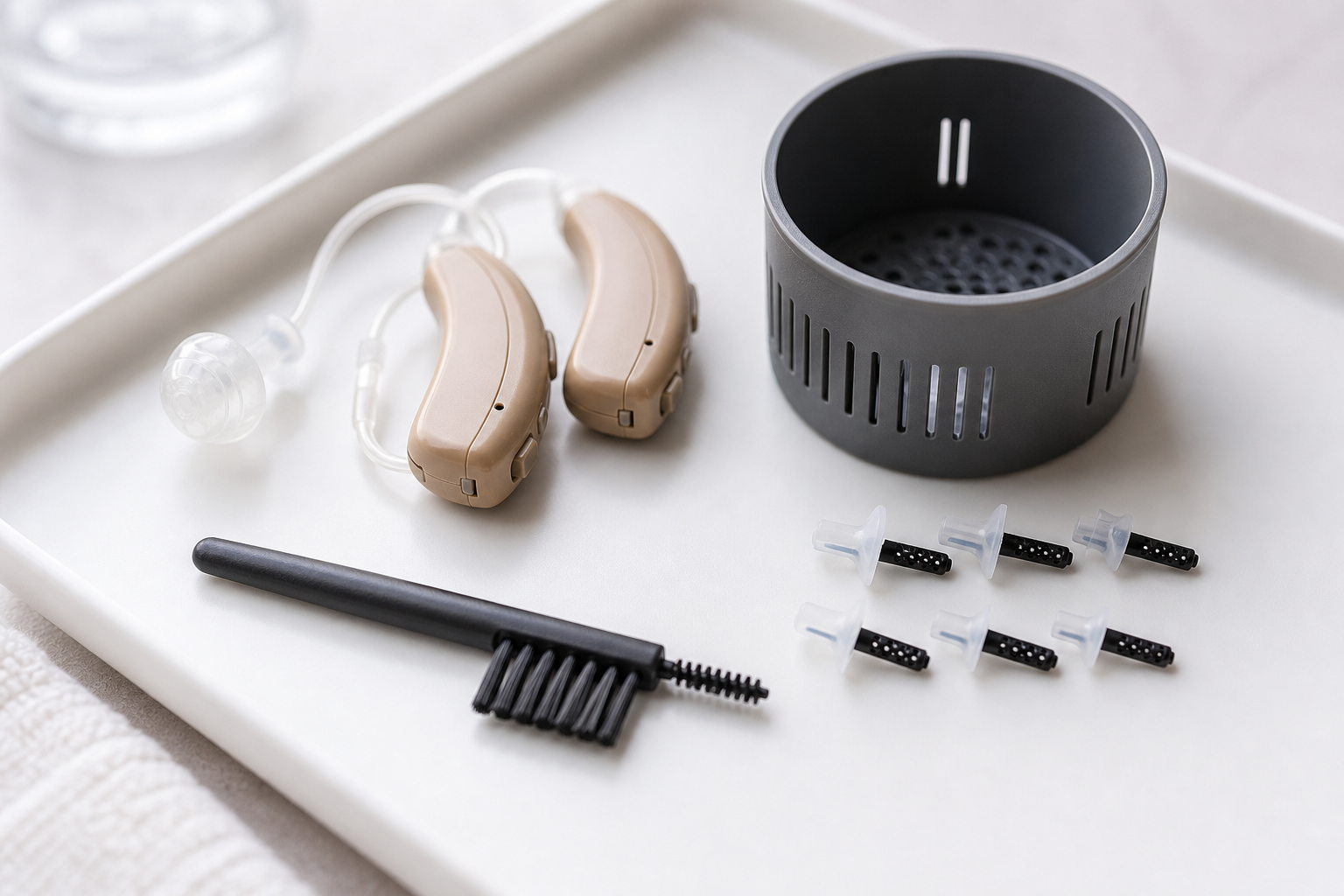 Device Care
How to Maintain a Hearing Aid
Hearing aid maintenance: daily cleaning, wax filter replacement, drying, and professional…
Read more →Get a free preliminary evaluation for a cleaning and maintenance plan specific to your device